
Digital vs. Paper Family Calendars: Which System Actually Saves You Time This Summer?
Compare digital and paper family calendars for managing summer schedules effectively.
▶ Watch the 30s recap — or browse all reels

Summer break means schedules go from packed to unpredictable, and keeping the whole family on the same page can feel like herding a team of wet labs. If you’re debating whether to stick with a trusty wall calendar or dive into a digital planner, let’s break down which option truly simplifies your summer chaos.
The Pros and Cons of Paper Calendars
Paper calendars have been the go-to for families for generations. They’re simple, tactile, and don’t require a Wi-Fi connection. But are they still the best choice for today’s busy, tech-savvy families?
Pros of Paper Calendars
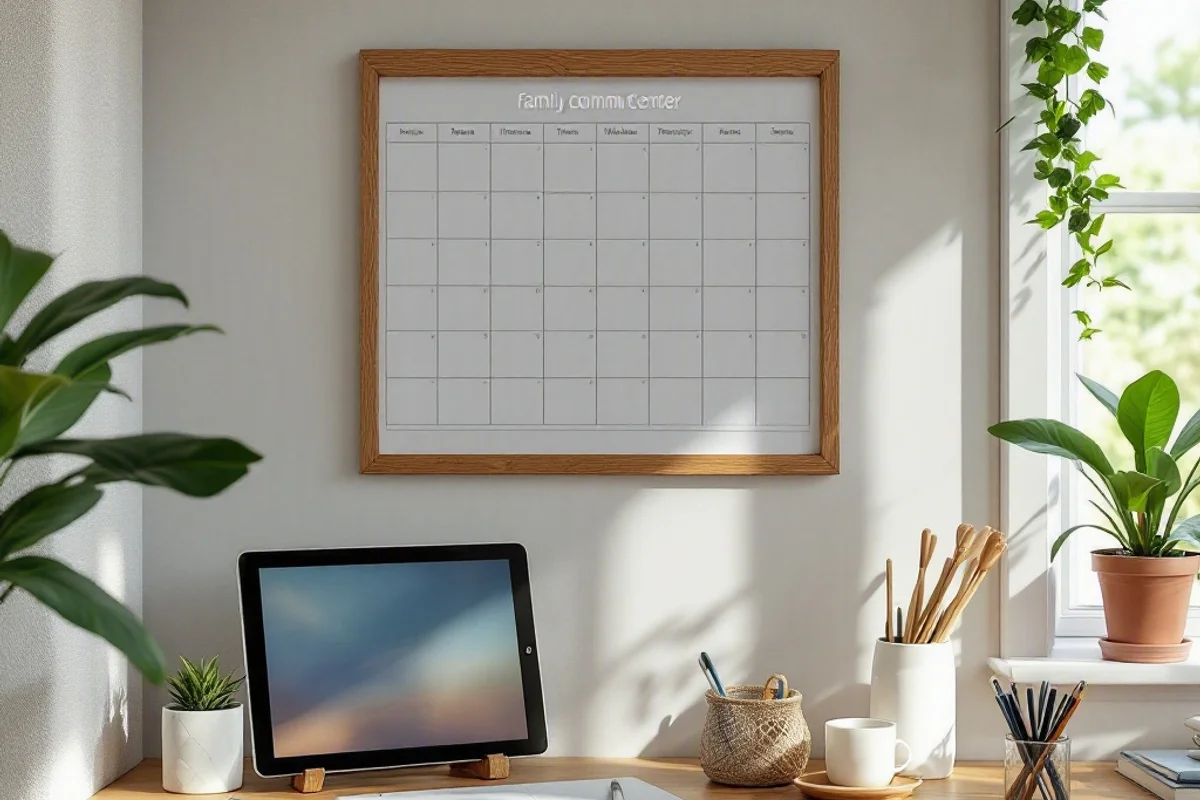
- Visibility: A large wall calendar in the kitchen or family command center is hard to miss. Everyone in the household can see what’s coming up at a glance.
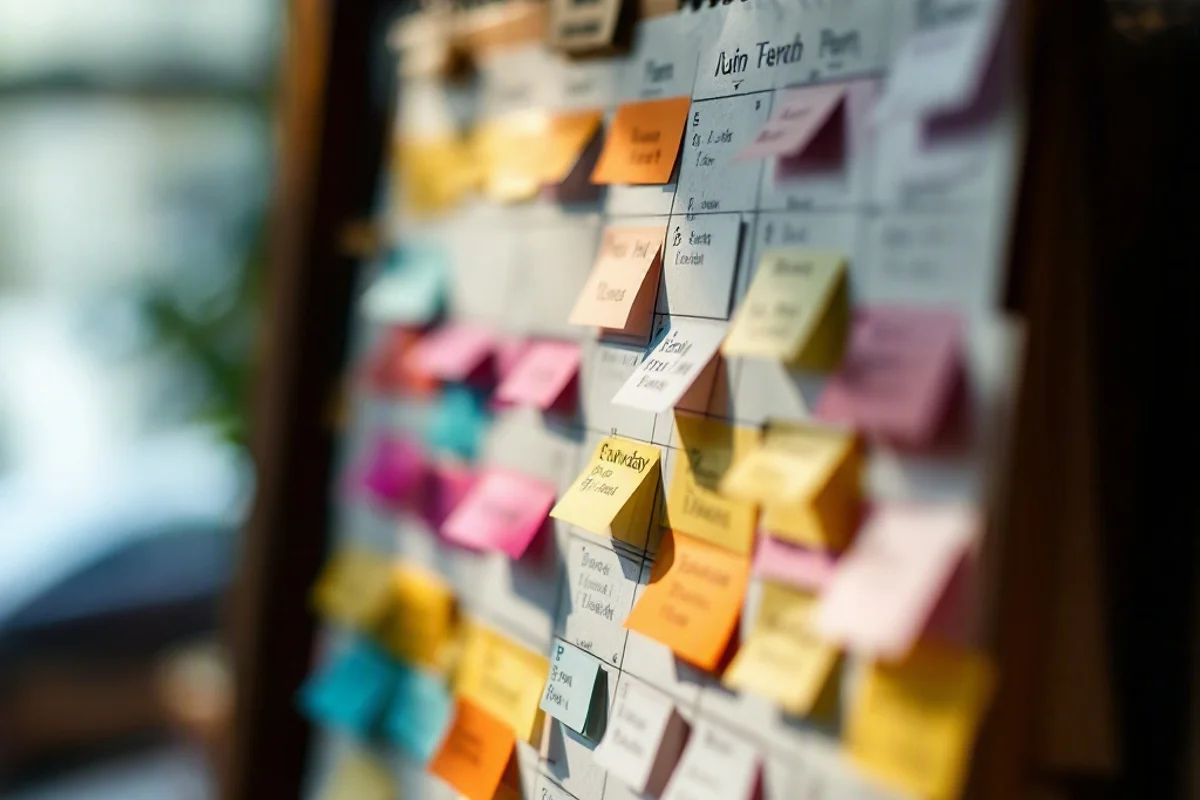
- Customizable: You can jot down notes, doodle reminders, and use stickers to highlight important dates. For families with younger kids, this can be a fun, interactive way to engage them in planning.
- No Tech Required: There’s no need to worry about syncing devices, battery life, or app crashes.
Cons of Paper Calendars
- Limited Accessibility: Unless you’re standing in front of it, you can’t check or update the calendar. This becomes a problem when you’re out and about.
- Space Constraints: You’re limited to the size of the calendar. Fitting multiple events in one day can get messy fast.
- No Alerts: Forgetting to check the calendar can lead to missed appointments or double-bookings.
For families who prefer the tactile feel of pen and paper, a well-designed family wall calendar can be a solid choice. Look for one with large date boxes and space for notes.
The Pros and Cons of Digital Calendars
Digital calendars, like Google Calendar or specialized family apps, bring the power of technology to your scheduling. But are they the ultimate solution?
Pros of Digital Calendars
- Accessibility: You can access your calendar from anywhere, on any device. This is a game-changer for busy parents juggling work, errands, and kids’ activities.
- Syncing Features: Most apps allow you to sync calendars across multiple users. This means everyone in the family can see updates in real time.
- Reminders and Alerts: Never forget an event again with customizable notifications.
- Searchability: Quickly find past and future events without flipping through pages.
Cons of Digital Calendars
- Learning Curve: Some apps can be overwhelming to set up and use effectively.
- Screen Fatigue: Spending more time on devices isn’t always appealing, especially for parents trying to limit screen time.
- Tech Dependence: A dead phone or a poor internet connection can leave you in the dark.
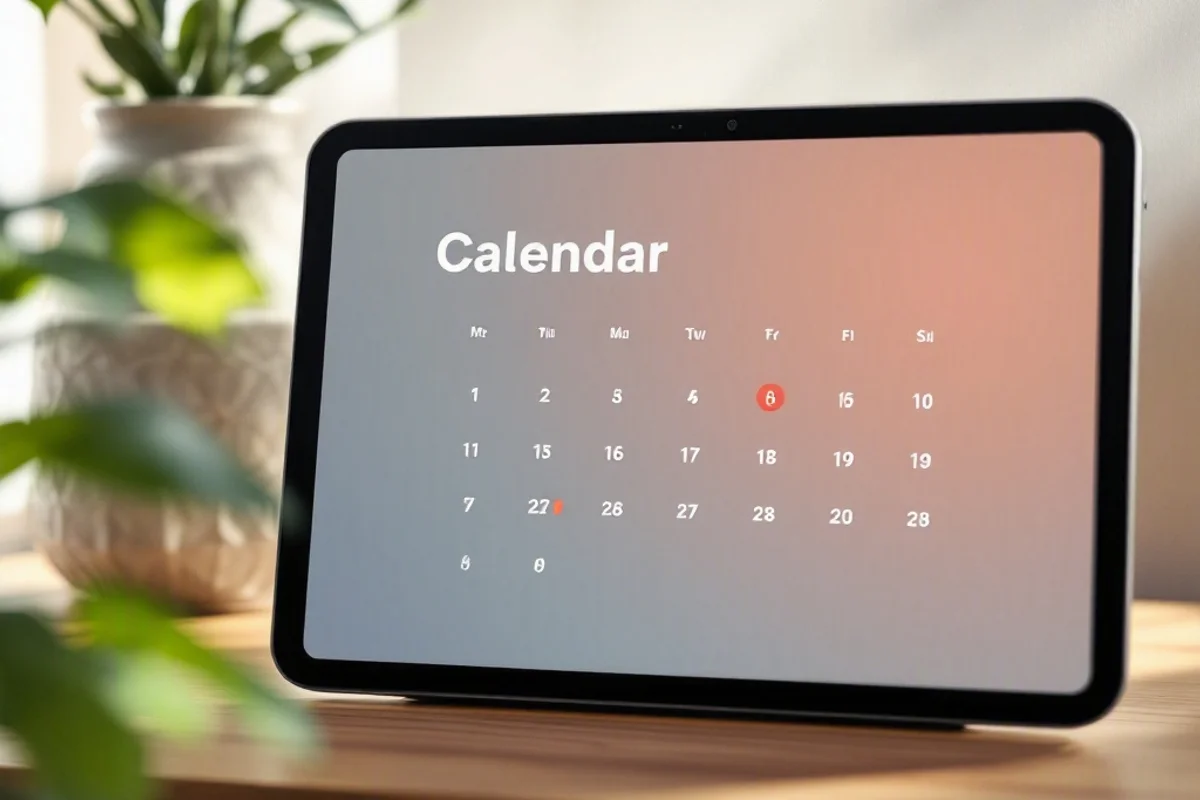
For digital enthusiasts, tools like Google Nest Hub can double as a family command center, displaying your synced calendar and more.
Which System Wins for Summer?
Summer schedules are a unique beast. Camps, playdates, road trips, and lazy days at home all demand flexibility. Here’s how each system stacks up:
Paper Calendars for Summer
Paper calendars excel in providing a big-picture view of the month. They’re great for tracking recurring events like weekly swim lessons or soccer practice. However, they struggle with last-minute changes or detailed itineraries for trips.
Digital Calendars for Summer
Digital calendars shine in dynamic environments. Need to add a last-minute BBQ invite? Easy. Want to share the itinerary for your family camping trip? Just send a link. Apps like Cozi Family Organizer even include features like shared grocery lists, which can be a lifesaver during busy summer weeks.
The Verdict
For most families, a hybrid approach works best. Use a paper calendar for the big-picture overview and a digital calendar for the nitty-gritty details and on-the-go updates. This way, you get the best of both worlds.
Setting Up Your System
For Paper Calendar Users
- Choose a Central Location: The kitchen or entryway is ideal.
- Use Color Coding: Assign a color to each family member for quick identification.
- Add Extras: Magnetic markers or calendar sticker sets can make planning more engaging.
For Digital Calendar Users
- Pick an App: Google Calendar is free and versatile, while paid apps like Cozi offer family-specific features.
- Set Up Sharing: Make sure all family members have access and know how to use the app.
- Enable Notifications: Customize alerts to avoid missing anything important.
Frequently Asked Questions
How do I get my kids involved in using the calendar?
For paper calendars, let kids add their own events or decorate with stickers. For digital calendars, assign each child a color and encourage them to check their schedule regularly. Making it a habit during family meetings helps.
What if I forget to update the calendar?
Set a weekly reminder to review and update your calendar. For digital users, apps like Google Calendar can prompt you to add events with AI suggestions based on your emails and messages.
Are there any tools to enhance my calendar system?
For paper calendars, consider a magnetic dry-erase board for extra flexibility. For digital setups, a smart display like the Google Nest Hub can show your calendar alongside weather and reminders.
What to Read Next

Written by Nick Reef
Nick is the Pacific Northwest dad behind OpsHQ Go — software engineer by day, parent of three by night. Everything here is tested first-hand by our family of five (plus three labs and an orange cat): recipes cooked in our kitchen, trails hiked on real weekends, games played at our table.
More about Nick & the family →Found this helpful? Share it!
Get More Shortcuts
Weekly tips, hacks, and adventures delivered to your inbox.