
Digital Grocery Lists vs. Whiteboard Meal Planners: Which Saves More Sanity?
Discover whether digital grocery lists or whiteboard meal planners are the ultimate time-saving solution for busy families.
▶ Watch the 30s recap — or browse all reels
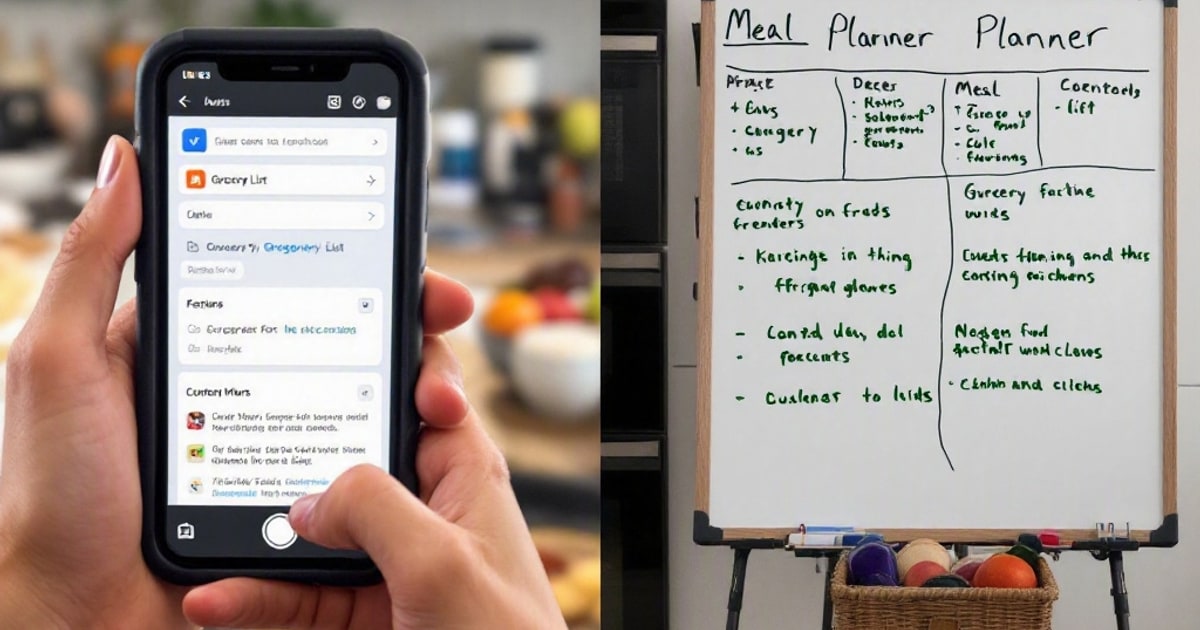
Between juggling kids’ schedules and managing household chaos, meal planning can feel like a never-ending battle. Let’s pit two popular strategies—digital grocery list apps and old-school whiteboard planners—to see which truly earns its keep in a busy home.
The Case for Digital Grocery Lists
Digital grocery list apps have become a staple for many families, offering a sleek and modern solution to the age-old problem of meal planning and grocery shopping. Let’s dive into some key reasons why these apps are a game-changer for busy households.
Convenience and Accessibility
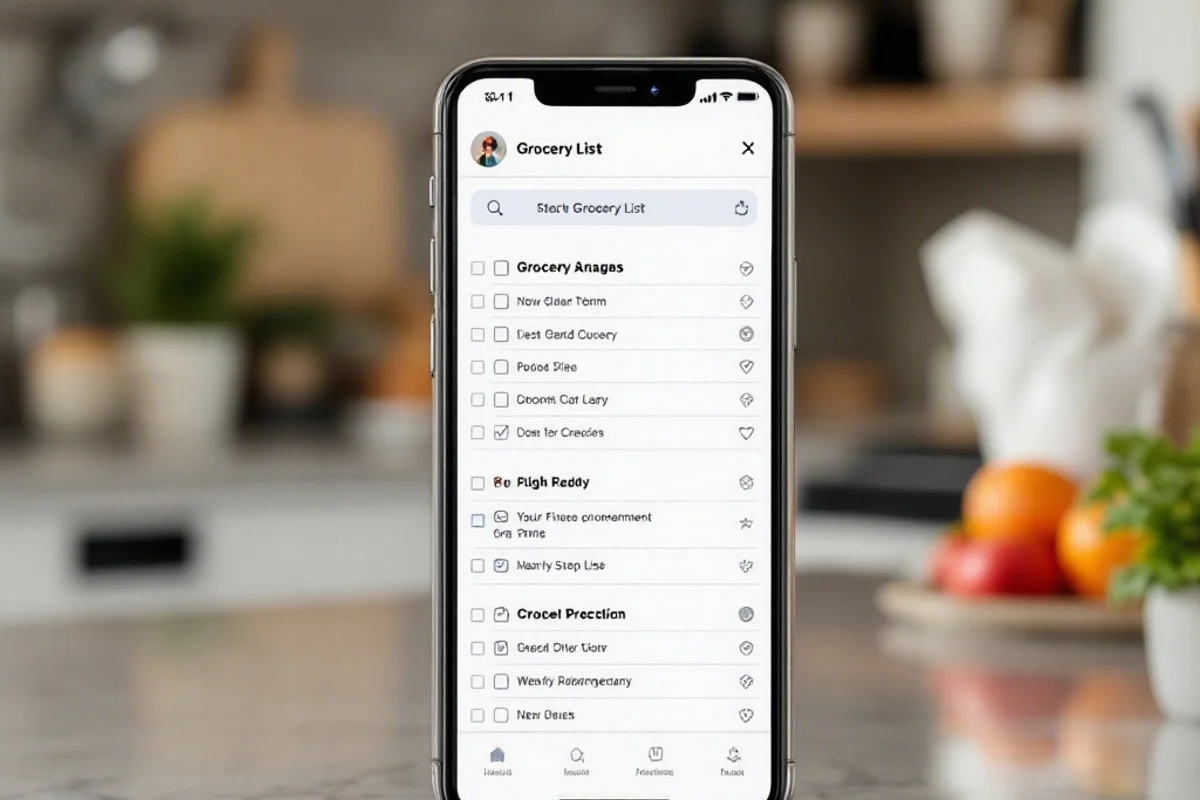
One of the standout features of digital grocery lists is their accessibility. With apps like AnyList or OurGroceries, your grocery list is always at your fingertips, accessible from your smartphone, tablet, or even smartwatch. This means no more scrambling to find a crumpled piece of paper or realizing you left your list at home once you’re at the store.
Collaboration Made Easy
In multi-person households, keeping everyone on the same page can be a challenge. Digital apps shine here, as they allow real-time updates and sharing. If I’m at the store and my wife realizes we’re out of dog food for our labs, she can quickly add it to the shared list, and I’ll see it instantly. It’s a lifesaver, especially when you’re trying to avoid a second trip to the store.
Smart Features
Many apps now come with features like barcode scanning, recipe imports, and even integration with smart home devices like Alexa. For instance, with the Echo Show 8, you can simply ask Alexa to add items to your grocery list as you think of them, making the process even more seamless. These added functionalities can save time and reduce the mental load of meal planning.
Downsides of Digital Lists
Of course, digital grocery lists aren’t without their drawbacks. They rely on technology, so if your phone dies or you’re in an area with poor reception, accessing your list can be problematic. Plus, for those who prefer the tactile satisfaction of crossing items off a list, the digital experience might feel less fulfilling.
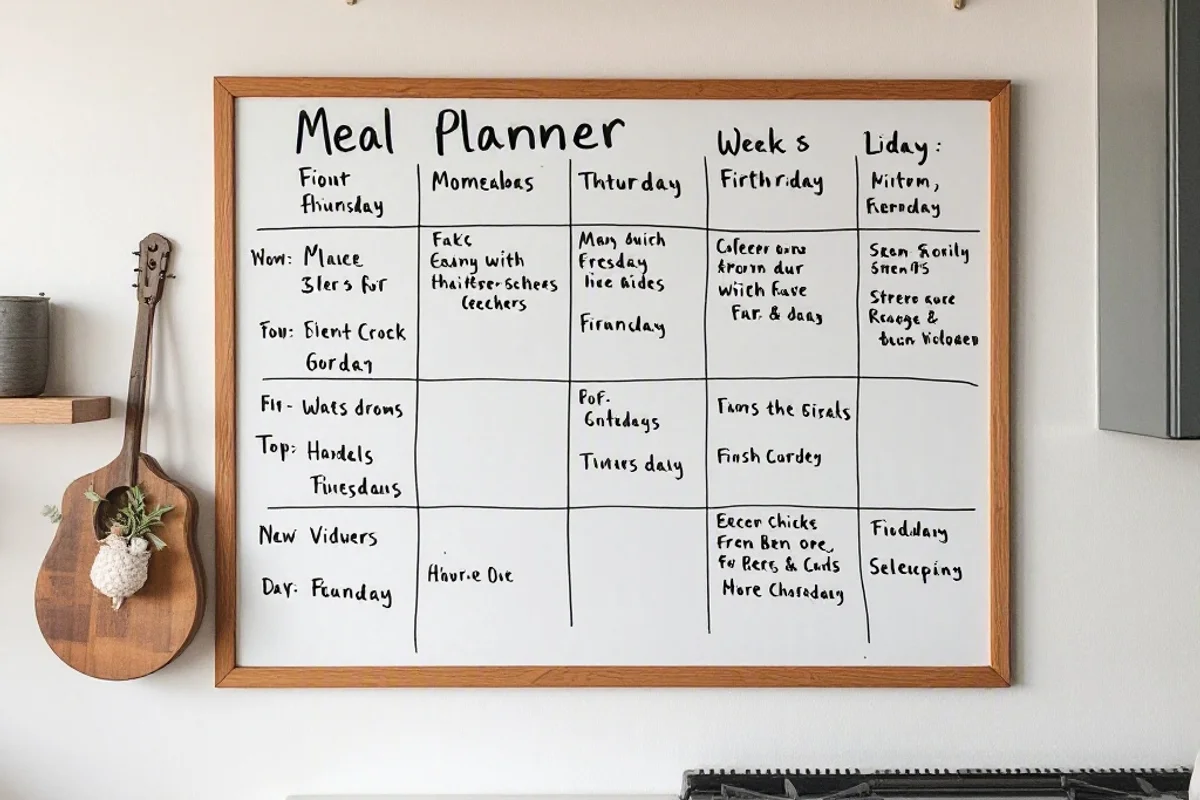
The Case for Whiteboard Meal Planners
On the other hand, whiteboard meal planners bring a tangible, visual element to meal planning that can’t be replicated by a screen. Here’s why some families still swear by this old-school method.
Visual Organization
A whiteboard mounted in the kitchen becomes a central hub for the whole family. It’s hard to miss a giant board with the week’s meals written out in bold, colorful markers. This visual reminder helps everyone stay on track and cuts down on the “What’s for dinner?” questions.
Customization
With a whiteboard, you can easily adjust your meal plan on the fly. Forgot that soccer practice runs late on Thursday? No problem—just erase and rewrite. It’s also a fantastic way to involve the kids. My youngest daughter, Hailey, loves drawing little doodles next to each meal, which makes the whole process more engaging for her.
Encourages Family Participation
Having the meal plan out in the open encourages everyone to contribute. Whether it’s suggesting meals for the week or helping stick to the plan, the whiteboard turns meal planning into a family activity rather than a solo chore.
Downsides of Whiteboards
However, whiteboards aren’t perfect. They’re not portable, so you’ll still need a separate list for groceries. And let’s be honest, it’s easy for a whiteboard to get cluttered with random notes, doodles, or reminders that obscure the actual meal plan.
The Verdict
So, which tool reigns supreme? It depends on your family’s needs and habits. If you’re tech-savvy and value portability and collaboration, digital grocery lists are a clear winner. For those who thrive on visual organization and prefer a tactile approach, a whiteboard meal planner might be the way to go.
For our family, we actually use a hybrid approach. We have a magnetic whiteboard on the fridge for meal planning and a shared digital grocery list app for shopping. This way, everyone knows what’s for dinner, and we can easily add items to our shopping list as needed. It’s the best of both worlds.
Frequently Asked Questions
Can I use both a digital grocery list and a whiteboard meal planner?
Absolutely! In fact, using both can be a powerful combination. The whiteboard keeps the whole family informed about meal plans, while the digital list ensures you never forget an item at the store. It’s a practical way to leverage the strengths of both tools.
What are some highly recommended grocery list apps?
Some popular options include AnyList, which offers recipe imports and meal planning features, and OurGroceries, known for its simplicity and real-time sharing capabilities. Both are user-friendly and perfect for busy families.
How do I keep my whiteboard meal planner organized?
To keep your whiteboard tidy and functional, use color-coded markers for different meal types or family members. For example, red for dinners, blue for lunches, and green for snacks. Wipe it clean weekly to avoid clutter, and consider taking a photo of the board for reference before heading to the store.
What to Read Next
- The Forgotten Freezer: A Practical Guide to Reviving Hidden Meal Prep Gold
- Dish Rack vs. Drying Mat: The Best Way to Streamline Post-Dinner Chaos
- The Summer Car Command Center: Hacks to Keep Your Family Outings Running Smoothly

Written by Nick Reef
Nick is the Pacific Northwest dad behind OpsHQ Go — software engineer by day, parent of three by night. Everything here is tested first-hand by our family of five (plus three labs and an orange cat): recipes cooked in our kitchen, trails hiked on real weekends, games played at our table.
More about Nick & the family →Found this helpful? Share it!
Get More Shortcuts
Weekly tips, hacks, and adventures delivered to your inbox.
You Might Also Like
Fourth of July Family Fireworks Prep: Save Time and Avoid Meltdowns
8 min read
⚡ Time SaversHow to Build a Rain-Ready Entryway System That Keeps Mud (and Chaos) Out
8 min read
⚡ Time SaversThe Forgotten Charger Hunt: Solving the Mystery of Missing Phone Cables Without Losing Your Mind
8 min read